● AI image generator · unofficial Gemini 4 Carbon companion
The Gemini 4 Carbon era of images, with models you can use today.
Gemini 4 Carbon has people asking what Google’s next leap means for visual work. While Gemini 4 Carbon stays in limited preview, this AI image generator gives you Nano Banana 2.1, Nano Banana Pro, GPT Image 2.5, Seedream 5.0, FLUX 3, Midjourney and Qwen Image 3.0 in one place.
01 — Model
02 — Prompt
0/300003 — Settings
Aspect ratio
Resolution
04 — Reference images (optional)
0/4JPG, PNG or WebP up to 10 MB. Only upload images you have the right to use.
Failed runs are refunded automatically. Gemini 4 Carbon is not connected; every run uses the model shown above. Generated files are hosted by our generation provider and kept for at least 24 hours (some video and audio files up to 72 hours). We don't store copies — download anything you want to keep.
05 — Output
Pick a model, describe what you want, and your image will appear here. Each run shows its exact credit cost before you start. Gemini 4 Carbon output never appears here, because Gemini 4 Carbon isn’t connected.
Generated in Carbon Studio, not by Gemini 4 Carbon
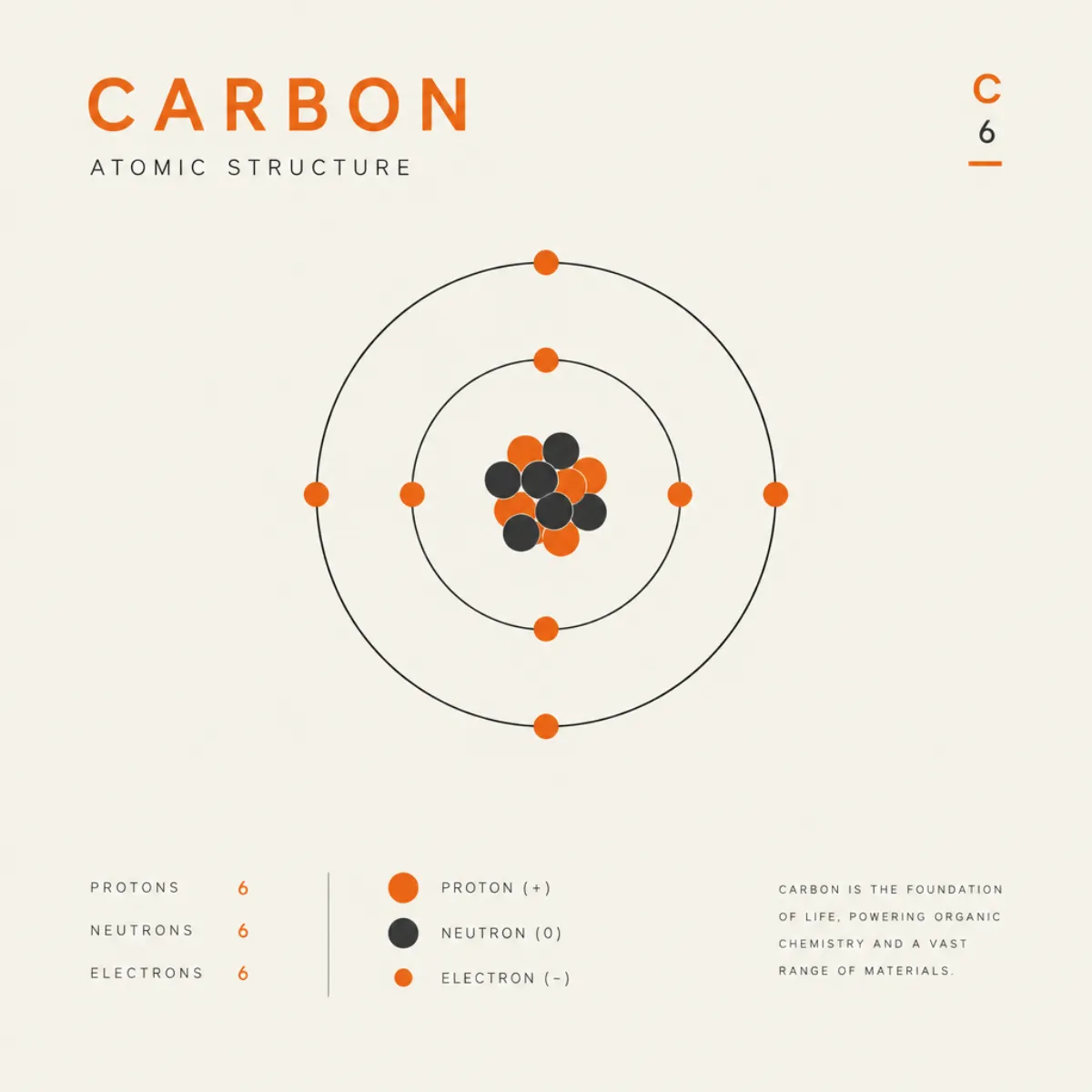 GPT Image 2.5
“A minimalist poster of a carbon atom diagram, orange accent on off-white”
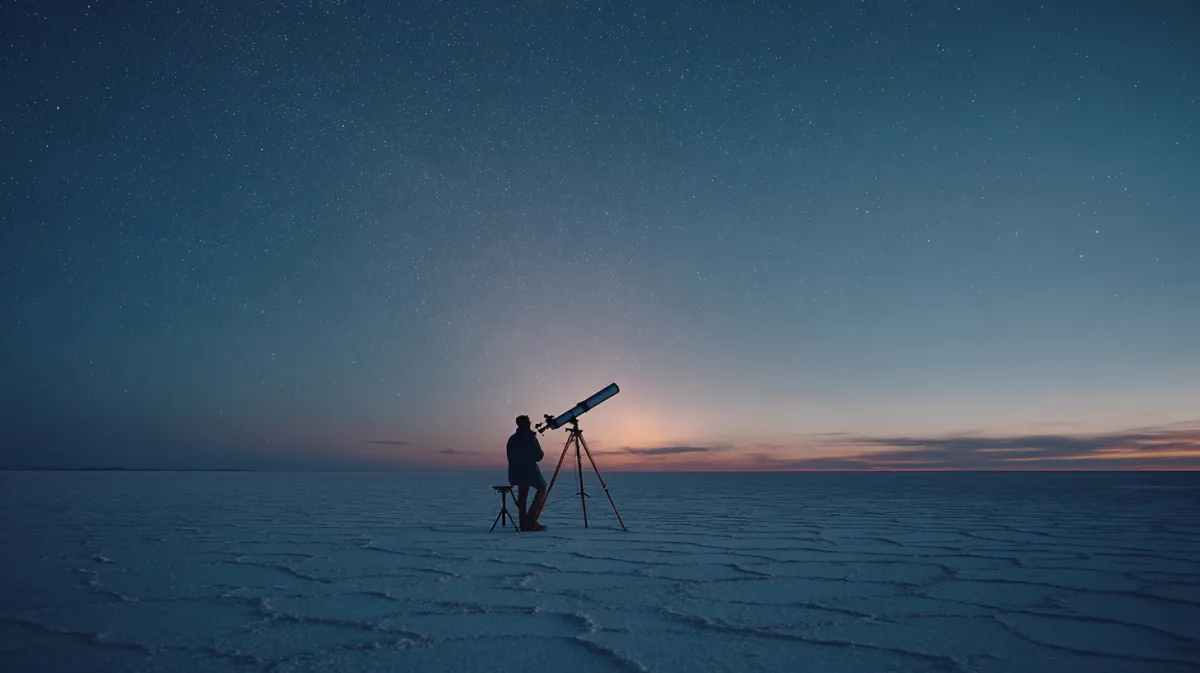 Midjourney
“Cinematic still of a lone astronomer beside a brass telescope on a vast salt flat at blue hour, faint aurora, film grain”
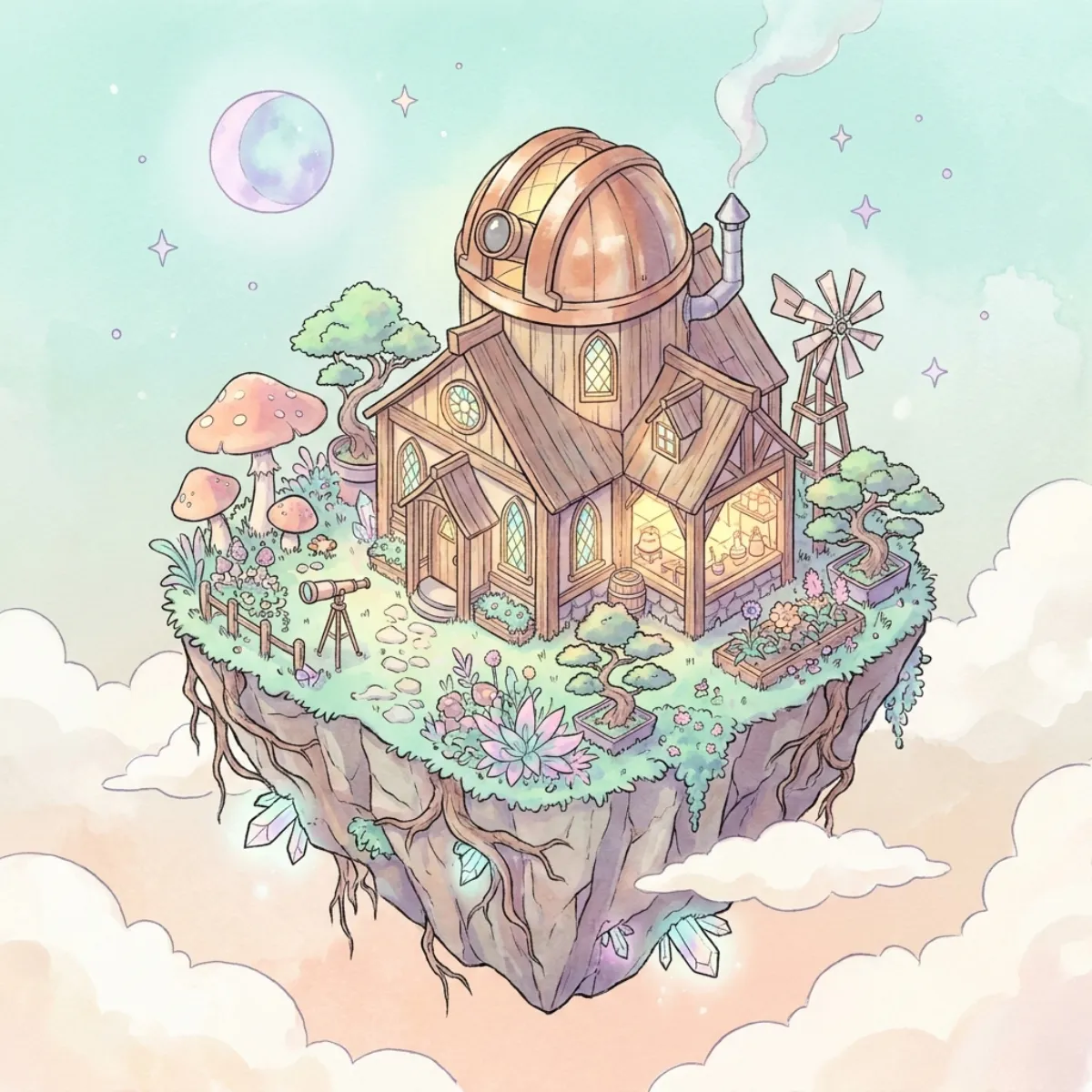 Nano Banana Pro
“Isometric illustration of a tiny research lab on a floating island, glowing windows, plants, a small observatory dome”
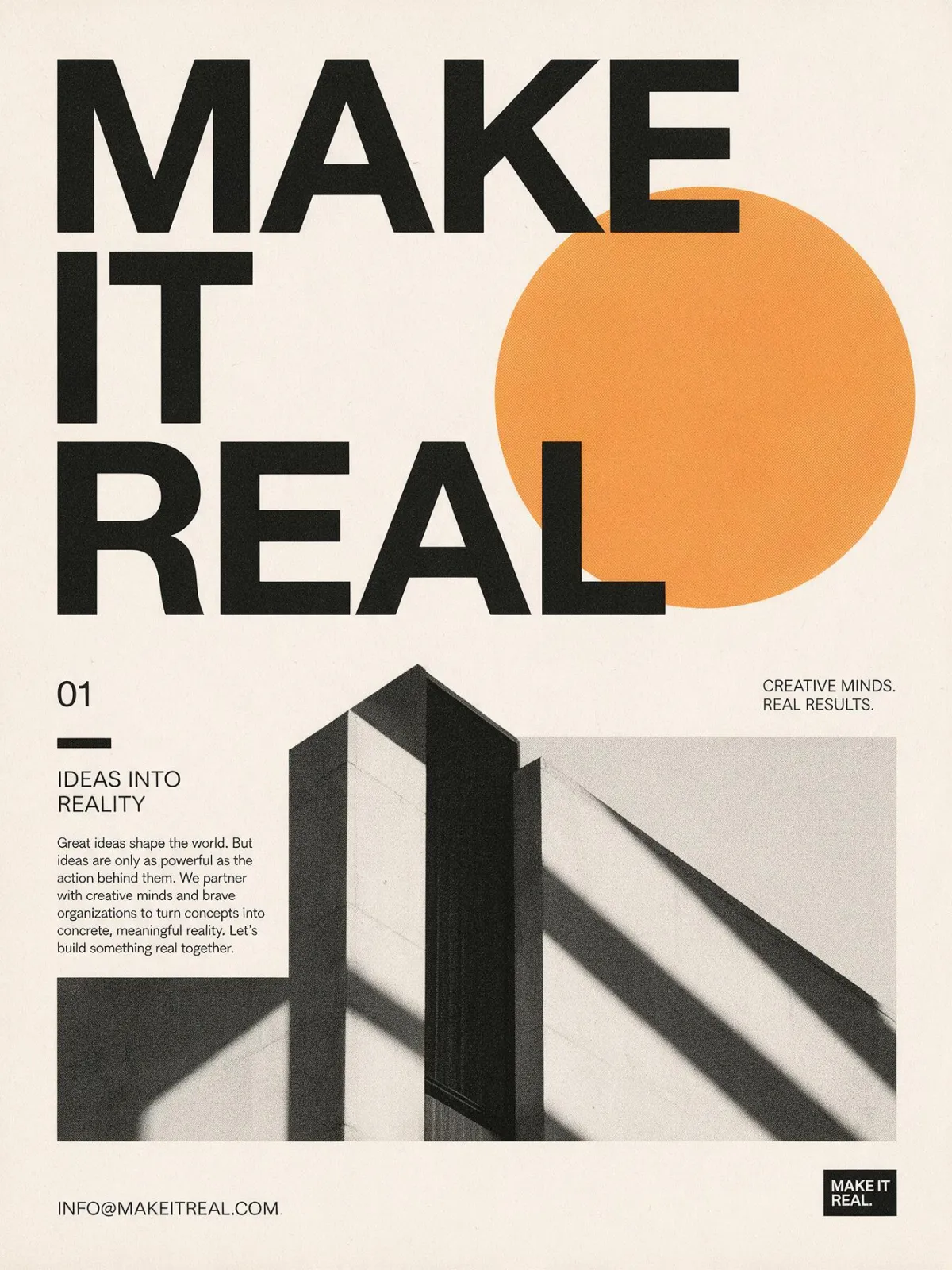 Seedream 5.0 Pro
“Swiss style typographic poster, large bold words "MAKE IT REAL", off-white paper, one orange circle, grid layout”
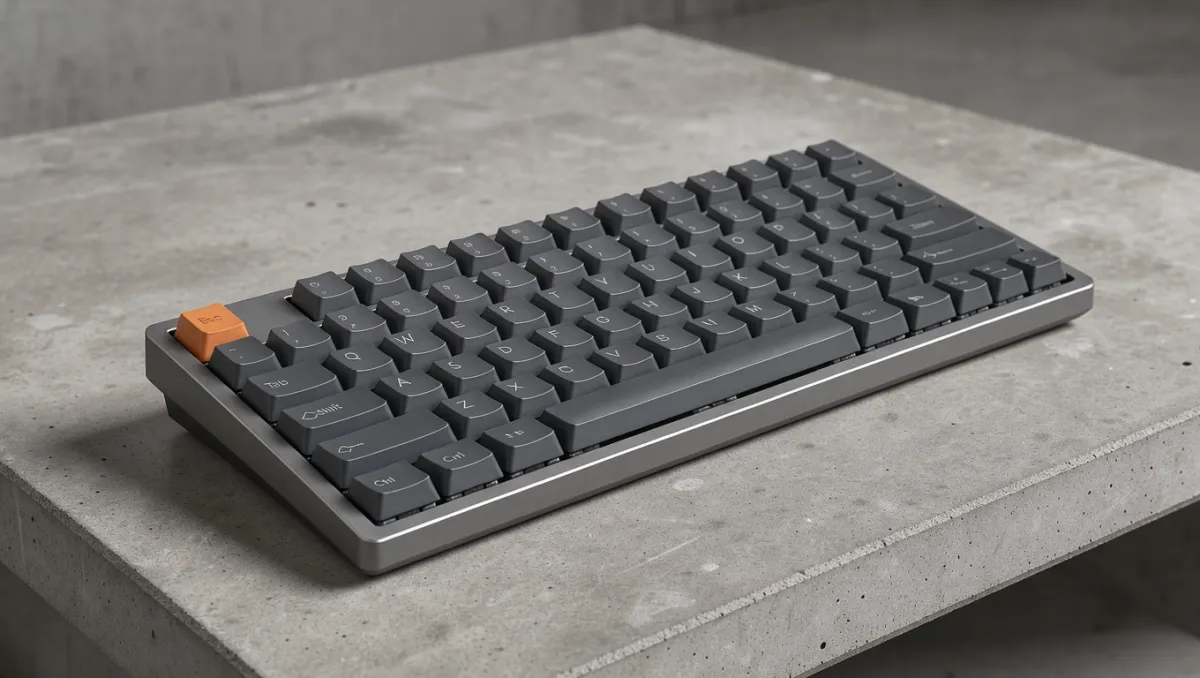 FLUX 3
“Photoreal product shot of a compact mechanical keyboard with graphite keycaps and a single orange escape key, on raw concrete”
 Nano Banana 2.1
“A product photo of a matte black ceramic coffee cup on warm linen, soft daylight”
Gemini 4 Carbon and image generation: what’s real
Gemini 4 Carbon is a reasoning, coding and agent model. Google’s announcement focuses on cybersecurity, long-horizon tasks and better usability for developers. It is not presented as a dedicated image model, and Gemini 4 Carbon is not publicly available yet, so no website can honestly offer “Gemini 4 Carbon image generation” today.
What early testers did share is telling. Community posts attributed to Gemini 4 Carbon show it writing code that draws things: SVG illustrations, three.js scenes and interactive diagrams. That is the Gemini 4 Carbon story for visuals so far: a model that plans and builds, rather than one that paints pixels directly.
Pixel-level image generation is handled by specialist models, and that is exactly what this page runs. If you want Google’s visual technology specifically, Nano Banana 2.1 and Nano Banana Pro are both available here. They are separate Google image models, not Gemini 4 Carbon, and we label them that way.
In short: read about Gemini 4 Carbon on our guide page, and make images here with models built for pixels. When Gemini 4 Carbon is open to everyone, Gemini 4 Carbon may become a great prompt planner for these image models.
Which model should you start with while Gemini 4 Carbon is unavailable?
- Nano Banana 2.1 for fast drafts and reference-based edits at 4 credits.
- GPT Image 2.5 when the prompt has many details that must all appear.
- Seedream 5.0 Pro and Qwen Image 3.0 for posters and legible text.
- FLUX 3 for photoreal products and controlled layouts.
- Midjourney for a painterly, cinematic look with four variations per run.
When Gemini 4 Carbon opens to the public through official Google channels, we will test whether Gemini 4 Carbon adds anything useful to an image workflow, such as prompt planning or layout code, and update this page. We won’t claim Gemini 4 Carbon support before then.
Models you can use while Gemini 4 Carbon is in preview
Gemini 4 Carbon
Not publicly available yet. Not connected to this studio.
Nano Banana 2.1
Fast, sharp text-to-image and reference editing.
Nano Banana Pro
Studio-grade detail, legible text and 4K output.
GPT Image 2.5
Prompt-faithful compositions and precise edits.
Seedream 5.0 Pro
Rich color, strong typography, multi-reference blends.
FLUX 3
Photoreal scenes with layout control.
Midjourney
Painterly, cinematic looks. Four variations per run.
Qwen Image 3.0
Dense layouts and clean multilingual text.
Prompting tips that carry over to Gemini 4 Carbon
The habits that work with today’s image models will likely matter even more with a planning-heavy model like Gemini 4 Carbon: say what you want, in the order it matters. Clear, ordered prompts are also what Gemini 4 Carbon testers recommend for its code-drawn visuals.
- Subject first. “A matte black ceramic cup” before “on warm linen”.
- Then light and lens. “Soft daylight, 50mm, shallow depth of field.”
- Name the medium. Photo, ink wash, isometric illustration, vector poster.
- Quote exact text. Put words that must appear in quotes, and keep them short.
- Use references for consistency. Upload a product or character image to keep it on-model.
- Plan before you render. Outline the scene in a few lines first, the way Gemini 4 Carbon plans long tasks.
Need motion next? Take your still into the AI video generator as a first frame. Curious about the bigger picture? Read what Gemini 4 Carbon is.
Gemini 4 Carbon & generator FAQ
01Will Gemini 4 Carbon get an image mode?+
Google has not announced one. Gemini 4 Carbon is positioned as a reasoning and agent model, so for now Gemini 4 Carbon is more likely to help plan or code visuals than to render them.
02Can I generate images with Gemini 4 Carbon here?+
No. Gemini 4 Carbon is not publicly available and is not connected to this site. Images here are made with the models named in the picker, including Google’s Nano Banana models, which are separate from Gemini 4 Carbon.
03How much does one image cost?+
Between 4 and 26 credits depending on the model, resolution and quality. The exact number is shown before you generate, and failed runs are refunded automatically.
04Can I edit my own photo?+
Yes. Most image models accept reference images. Upload a JPG, PNG or WebP up to 10 MB and describe the change. Only upload images you have the rights to.
05How long do generated images stay online?+
At least 24 hours. We don’t keep copies, so download the ones you want to keep.